Service Overview Enterprise cyber security services threats are evolving rapidly, and businesses of all sizes face increasing risks from ransomware attacks, data breaches, phishing...


So, your company is excited about Microsoft Power Apps. Teams are building apps, automating workflows, and feeling super productive. That’s the dream, right? But what happens when you have dozens (or hundreds) of apps, no one knows who owns them, and sensitive company data might be floating around in a spreadsheet created by an app no one remembers? That’s when you need a power apps governance model.
Think of governance not as a set of boring rules, but as the friendly “house rules” for your digital workspace. It’s about setting up guardrails that let everyone innovate safely without driving off a cliff. This guide will walk you through everything you need to know to build a simple, effective governance model, even if you’re just getting started.
In simple terms, a power apps governance model is a set of policies, roles, and technical controls that guide how people in your organization create, manage, and use Power Apps (and related tools like Power Automate). It’s not about stopping people from building apps; it’s about making sure they build them in a way that’s secure, efficient, and aligned with company goals.
Imagine a community garden. Anyone can plant vegetables (build apps), but there are rules: you need to label your plot, you can’t use pesticides that harm neighboring plants (DLP policies), and there’s a shared water source (data) everyone can use responsibly. That’s governance. It keeps the garden productive and peaceful.
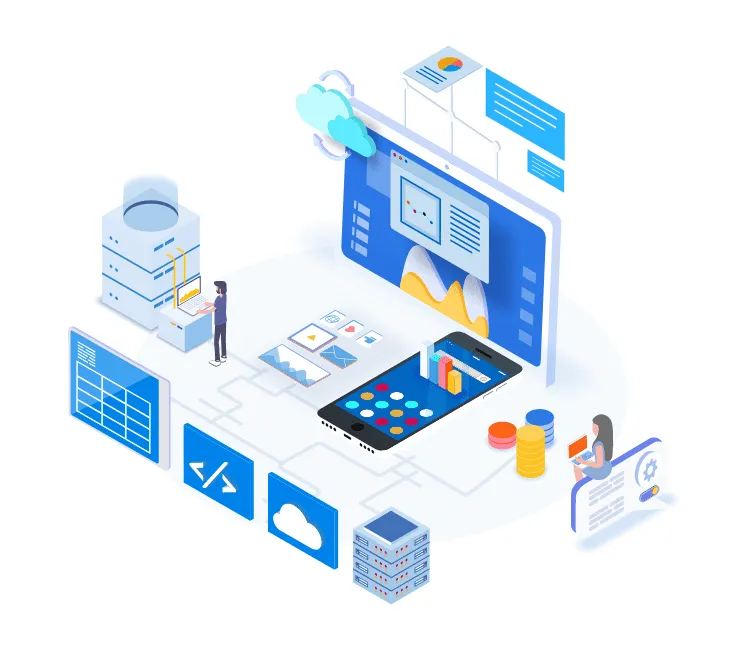
Without a governance model, you might experience “app sprawl”—a wild west of applications. Here’s what that looks like:
A Center of Excellence (CoE) is a team or even just a dedicated group of people that champions Power Platform governance. They are the bridge between the business folks who need apps and the IT folks who need to keep things safe.
The CoE doesn’t just police people; they enable them. They create templates, offer training, and host “app office hours” to help citizen developers. You can even use Microsoft’s free CoE Starter Kit, a set of tools and templates that helps you get started with monitoring and governance. Think of it as your governance model’s operating system.
Let’s break down the key parts of a power apps governance framework into easy-to-understand pieces.
Environments are like separate containers for your apps and data. A good strategy is to have at least three:
DLP policies are rules that control which connectors (like SharePoint, SQL, or Twitter) can be used together in the same app. You wouldn’t want an app that connects to your HR database to also connect to a public social media site, right? DLP policies prevent that.
Not everyone needs to be an admin. Clearly define roles:
ALM is just a fancy term for managing an app’s life. It includes:
The best governance models don’t lock things down; they open things up the right way. Here’s how:
How do you know if your governance model is working? Track a few simple metrics:
Building a power apps governance model doesn’t have to be overwhelming. Start small. Define your environments, set up a few key DLP policies, and identify a few people to be your governance champions. Remember, the goal is to enable your organization to build great solutions safely. By putting these simple guardrails in place, you can turn the “wild west” into a thriving, well-organized digital city where innovation can flourish.
Ready to learn more about getting started with Power Apps? Check out our guide on Setting Up Your First Power App Environment and our deep dive into Understanding Power Platform DLP Policies for Beginners.
1. What is the difference between Power Apps governance and Power Platform governance?
They are often used interchangeably, but Power Platform governance is the broader term. It covers governance for all the tools in the suite: Power Apps, Power Automate, Power BI, and Power Virtual Agents. A power apps governance model is a subset, focusing specifically on the rules for building and managing apps.
2. How do I start a governance model if I have no governance now?
Start with an audit. Use the free CoE Starter Kit from Microsoft to inventory all your existing apps and flows. Identify who the top makers are and what data is being used. Then, start with just one or two simple policies, like a basic DLP rule, and communicate it clearly to your users.
3. What is the CoE Starter Kit, and do I need it?
The CoE Starter Kit is a collection of automated tools and templates from Microsoft. It helps you monitor, manage, and nurture your Power Platform adoption. While not strictly mandatory, it’s an incredibly valuable and free resource that automates many governance tasks, making it highly recommended for any growing organization.
4. Who should be on my governance team (CoE)?
Your team should be a mix of IT (to handle security and environments) and business representatives (to advocate for the needs of app makers). Including a few “super users” or champion citizen developers is a great idea, as they can help train others and provide valuable feedback on your policies.
5. How often should we review our governance policies?
At least every 6 to 12 months. The Power Platform is constantly evolving with new features, and your company’s needs will change too. A regular review ensures your governance model stays relevant, effective, and doesn’t become outdated or overly restrictive. For more authoritative guidance, you can always check the Microsoft Power Platform governance documentation.
Service Overview Enterprise cyber security services threats are evolving rapidly, and businesses of all sizes face increasing risks from ransomware attacks, data breaches, phishing...
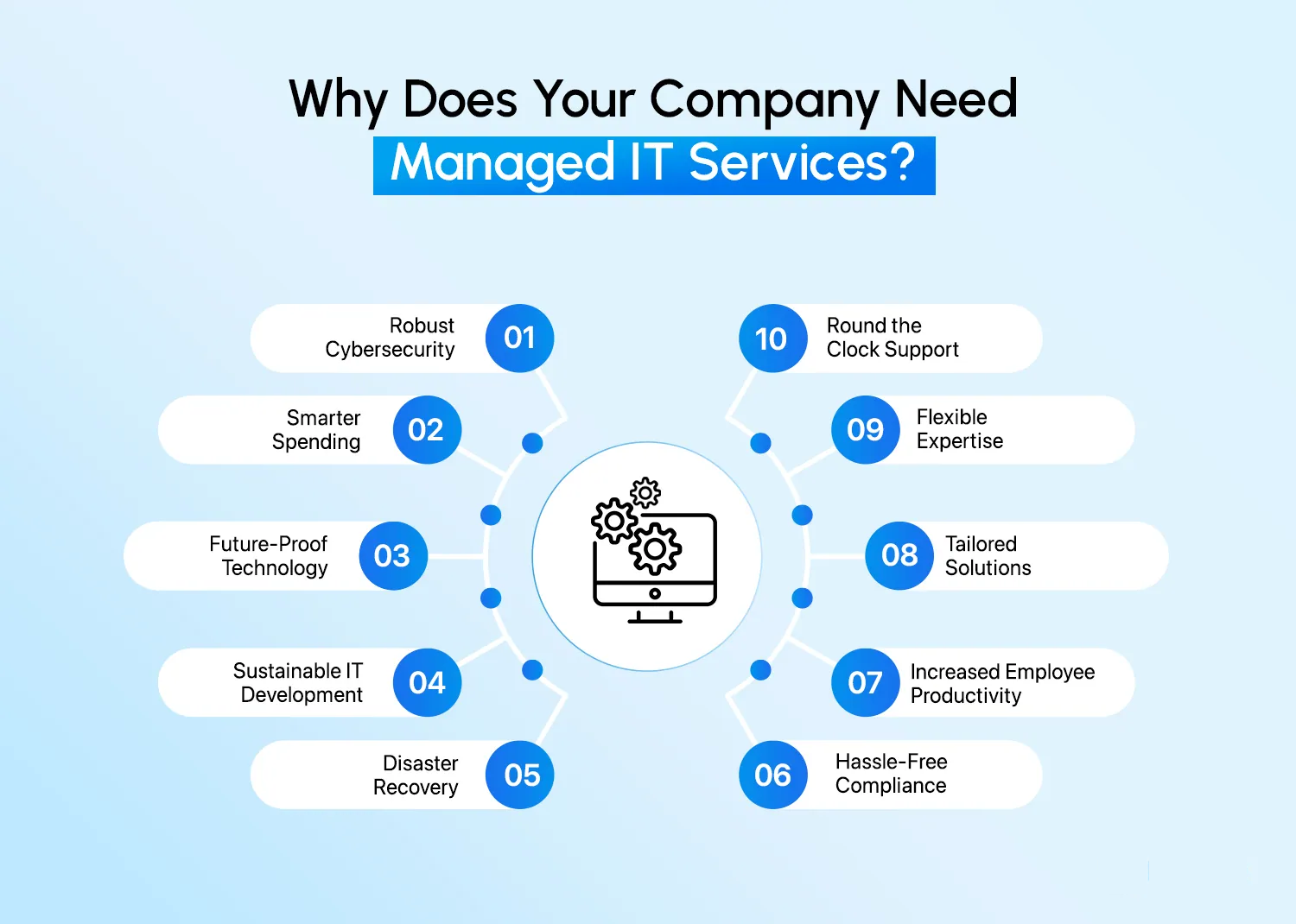
Technology has become the backbone of modern businesses. From managing internal operations to enabling communication, collaboration, and data security, IT infrastructure plays a critical...

In today’s fast-paced business environment, growing companies require tools that not only streamline operations but also provide measurable returns on investment (ROI). Custom SharePoint...